Video on Your App Landing Page — The Right Way
Adding a product demo video to your landing page is one of the highest-ROI things you can do for conversion. But done wrong, a video on your landing page tanks your Lighthouse score, destroys LCP, causes layout shift, and actively hurts conversion by making the page feel slow. Here’s the right way to do it.
The four mistakes that kill your Lighthouse score
1. No format fallback
A single <source src="demo.mp4"> means every visitor downloads the less-efficient H.264 file, even when their browser supports WebM (VP9). Chrome users — the majority of your traffic — are silently downloading a file that’s 30–50% larger than it needs to be.
2. No poster image
Without a poster attribute, the video area renders as a blank box until the video metadata loads. This causes Cumulative Layout Shift (CLS) if the element resizes, and tanks your Core Web Vitals score. Always set a poster.
3. Wrong preload setting
For a landing page, you almost always want preload="none": show the poster, download nothing until the user interacts or the video enters the viewport.
4. Autoplay with audio (or no muted attribute)
Browsers block autoplay with audio. If you put autoplay on a video without muted, the video silently fails to autoplay. If you want autoplay, you must have muted.
preload="none" is your biggest performance lever
Setting preload="none" on a video with a poster means: load the poster image, load nothing else until the user interacts. Zero video bytes on the critical path for your page load. Your LCP is unaffected. Your TTI is unaffected.
The intersection-observer autoplay pattern
const video = document.querySelector('.demo-video');
const observer = new IntersectionObserver(
  (entries) => {
    entries.forEach((entry) => {
      if (entry.isIntersecting) {
        video.play();
        observer.unobserve(video);
      }
    });
  },
  { threshold: 0.5 }
);
observer.observe(video);
The full markup — no autoplay attribute in HTML, JavaScript handles it:
<video
  class="demo-video"
  muted loop playsinline
  preload="none"
  poster="demo-poster.webp"
  width="1280" height="720"
>
  <source src="demo.webm" type="video/webm" />
  <source src="demo.mp4"  type="video/mp4"  />
</video>
Lighthouse before/after
- Before: 248MB MP4, no poster, no preload control → LCP 8.2s, CLS 0.18, Performance score 34
- After: 5MB WebM + 7MB MP4, WebP poster,
preload="none", observer-triggered → LCP 1.6s, CLS 0, Performance score 91
A good product demo video that loads fast convinces more people than a great product demo video that loads slowly. Speed is part of the pitch.
[ ABOUT EXPORTFORWEB ]
Quick product questions
Is ExportForWeb free?
Yes. ExportForWeb is a free download on the Mac App Store, and every conversion feature is free to use, with no subscription or paid tier.
Do my files leave my Mac?
No. Conversion happens entirely on your Mac. Your source media and finished exports are never uploaded to us or sent to a cloud conversion service.
What can I export?
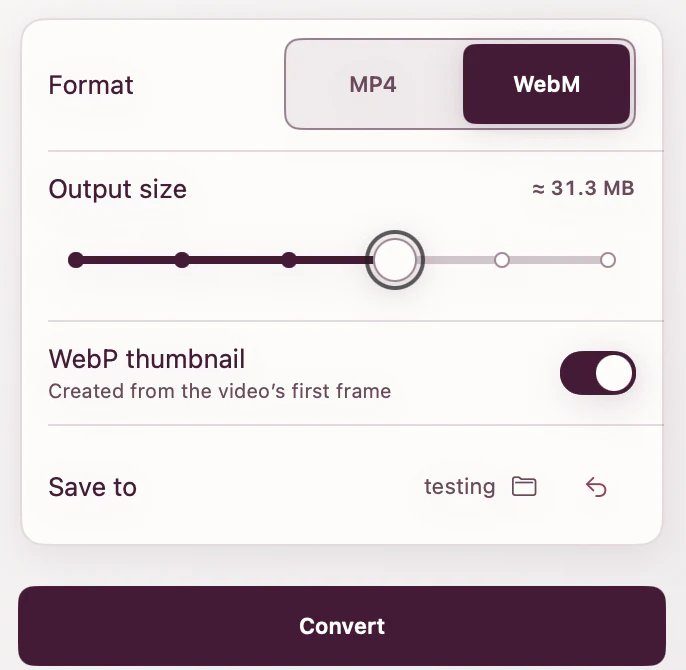
Videos become WebM or MP4, with an optional first-frame WebP poster. JPEG, PNG, HEIC, HEIF, TIFF, BMP, and WebP images become WebP.
[ FREE & PRIVATE ]
Get your demo video landing-page ready.
ExportForWeb converts video to WebM or MP4 with an optional WebP poster, and turns landing-page images into WebP too. Every feature is free, with no subscription or paid tier. Conversion stays on your Mac, so your media is never uploaded.
Download free