WebM vs MP4 — Which Video Format Is Best for the Web?
Ask this question in a developer forum and you’ll get a dozen opinions, most of them out of date. The web video format landscape has shifted significantly in the last few years — Safari added VP9 support, AV1 crossed the threshold into practical use, and H.265 remains a dead end for open web delivery. Here’s a clear-eyed look at what the landscape actually looks like in 2026, and what you should be shipping.
The short answer
Serve WebM (VP9) first, MP4 (H.264) as fallback. That combination covers every browser in active use today with near-optimal compression. Everything else is a refinement from there.
<video autoplay muted loop playsinline poster="clip.webp">
  <source src="clip.webm" type="video/webm" />
  <source src="clip.mp4"  type="video/mp4"  />
</video>
Container vs codec: clearing up the confusion
People often use “WebM” and “MP4” as if they’re codecs. They’re not — they’re containers. The codec is the algorithm that actually compresses the video data.
| Container | Common video codecs | Extension |
|---|---|---|
| MP4 (MPEG-4 Part 14) | H.264, H.265/HEVC, AV1 | .mp4 |
| WebM | VP8, VP9, AV1 | .webm |
| MOV (QuickTime) | H.264, ProRes, HEVC | .mov |
H.264 — the universal baseline
H.264 (also called AVC) in an MP4 container has been the bedrock of web video since 2010. 100% browser support, hardware-accelerated playback on every device made in the last decade. Its limitation is efficiency — it produces the largest files at a given quality level. Use H.264 as your fallback — never as your only source.
VP9 — the pragmatic modern choice
VP9 (in a WebM container) typically achieves 30–50% better compression than H.264 at the same perceived quality. Browser support as of 2026: Chrome, Firefox, Edge, Opera — all have had VP9 for years. Safari added VP9 support in version 16 (September 2022), which means all actively updated Apple devices now support it.
AV1 — the future that’s nearly ready
AV1 achieves roughly 20–30% better compression than VP9. Browser support as of 2026: Chrome 70+, Firefox 67+, Edge 80+, Safari 17+ (2023). The practical barrier is encoding speed: AV1 encodes significantly slower than VP9. Worth adding as a tertiary <source> if you can automate the encode pipeline:
<video autoplay muted loop playsinline poster="clip.webp">
  <source src="clip-av1.webm" type="video/webm; codecs=av01.0.05M.08" />
  <source src="clip-vp9.webm" type="video/webm" />
  <source src="clip.mp4"      type="video/mp4"  />
</video>
HEVC / H.265 — don’t use it for the web
Only Safari supports HEVC for web delivery. Chrome, Firefox, and Edge do not. Safari supports VP9 now, so there’s no reason to reach for HEVC. Skip it.
Browser support summary, 2026
| Codec | Chrome | Firefox | Edge | Safari |
|---|---|---|---|---|
| H.264 (MP4) | ✓ | ✓ | ✓ | ✓ |
| VP9 (WebM) | ✓ | ✓ | ✓ | ✓ (v16+, 2022) |
| AV1 (WebM/MP4) | ✓ | ✓ | ✓ | ✓ (v17+, 2023) |
| HEVC (MP4) | ✗ | ✗ | partial | ✓ |
The practical recommendation
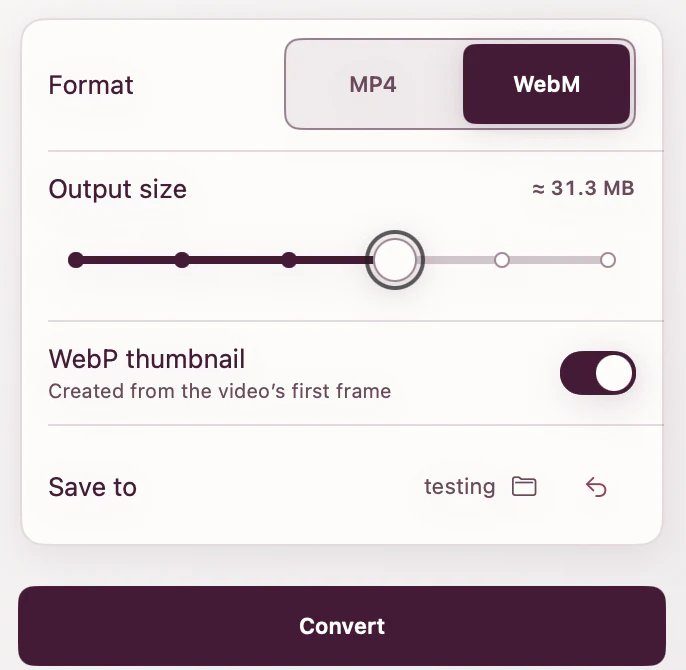
For 95% of projects: WebM (VP9) + MP4 (H.264). Two files, two <source> elements, done. ExportForWeb lets you create either format from the same source without sending the video to the cloud.
[ ABOUT EXPORTFORWEB ]
Quick product questions
Is ExportForWeb free?
Yes. ExportForWeb is a free download on the Mac App Store, and every conversion feature is free to use, with no subscription or paid tier.
Do my files leave my Mac?
No. Conversion happens entirely on your Mac. Your source media and finished exports are never uploaded to us or sent to a cloud conversion service.
What can I export?
Videos become WebM or MP4, with an optional first-frame WebP poster. JPEG, PNG, HEIC, HEIF, TIFF, BMP, and WebP images become WebP.
[ FREE & PRIVATE ]
Stop wrestling with video formats.
ExportForWeb converts video to WebM or MP4 with an optional WebP poster — and converts still images to WebP too. Every feature is free, with no subscription or paid tier. Conversion stays on your Mac, so your media is never uploaded.
Download free